Automate TikTok Data Extraction with n8n Community Nodes
In the fast-paced world of social media, gathering data from platforms like TikTok manually is not just tedious—it’s incredibly inefficient. Whether you’re a marketer tracking competitor campaigns, a data analyst studying trends, or a developer building a custom dashboard, automation is the key to scaling your efforts.
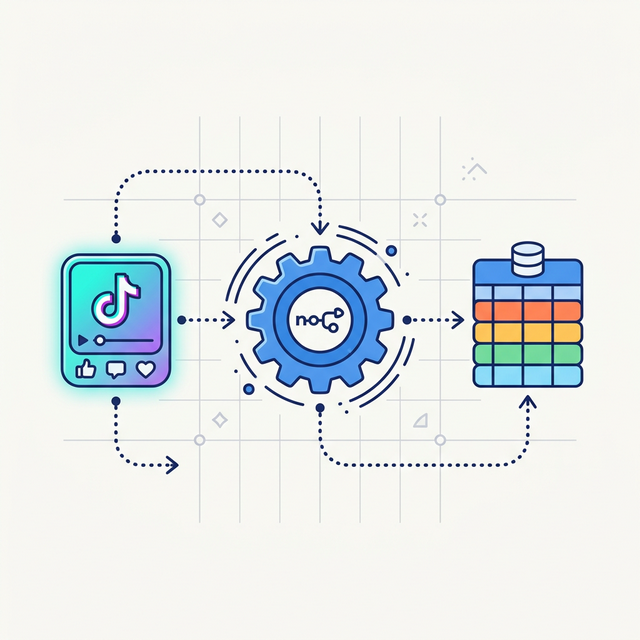
Enter n8n, a fair-code workflow automation tool that lets you connect hundreds of apps and APIs together. To make extracting TikTok data inside n8n seamless, we are excited to showcase two powerful community nodes built by apifynovi.
In this guide, we will explore what these nodes do, their best use cases, and exactly how you can install and use them in your own n8n instance.
The Powerful TikTok Scraper Nodes for n8n
Currently, there are two specialized n8n nodes published under apifynovi on npm. Both are designed to integrate effortlessly into your existing automation workflows.
1. The All-in-One Extractor: n8n-nodes-tiktok-scraper-ultimate
This node acts as a multi-purpose tool for extracting complex video and trend data directly from TikTok. It connects seamlessly to the underlying web scraping engines to deliver structured JSON data straight to your workflow.
🔥 Key Feature: It extracts direct video URLs without watermarks, making it perfect for content repurposing or creating clean archives.
Top Use Cases:
- Competitor Analysis: Input a competitor’s profile URL and automatically extract their latest videos, view counts, and engagement metrics into a Google Sheet every week.
- Hashtag Monitoring: Track specific industry hashtags and trigger an alert in Slack whenever a video under that hashtag surpasses 100k views.
- Content Archiving: Automatically download trending videos matching your keywords and upload them directly to your Google Drive or AWS S3 bucket.
How to Use: You can supply the node with a direct list of TikTok URLs (profiles, videos, or hashtags) or simply provide a list of keywords to search for. The node will handle the pagination and data parsing automatically.
2. The Profile Analyzer: n8n-nodes-tiktok-user-info-api
While the Ultimate Scraper is great for videos, sometimes you just need raw, real-time data about the creators themselves. The User Info API node is designed explicitly for speed.
🔥 Key Feature: Blazing fast access to real-time, authentic user profile data. It does not rely on stale pre-built databases, guaranteeing that the follower counts and bio links you get are accurate as of the second the node runs.
Top Use Cases:
- Influencer Lead Generation: Extract public contact information, bio links, and follower stats from lists of usernames to enrich your CRM (like HubSpot or Salesforce).
- Growth Tracking: Schedule the node to run daily against a list of target accounts to monitor follower growth velocity over time.
- Real-time Vetting: Before accepting a sponsorship deal, trigger an n8n webhook to instantly verify an influencer’s true follower count and account status.
How to Install These Nodes in n8n
Installing community nodes in n8n is incredibly straightforward. You don’t need to touch the command line if you are using the n8n Desktop app or the Cloud version.
Follow these simple steps:
- Open your n8n interface and navigate to Settings (the gear icon on the left sidebar).
- Click on Community Nodes in the settings menu.
- Click the Install button.
- In the npm Package Name field, enter the name of the node you want to install:
n8n-nodes-tiktok-scraper-ultimaten8n-nodes-tiktok-user-info-api
- Click Agree to terms and install.
Once the installation is complete, you can open any workflow, click the + button to add a new node, and search for “TikTok”. You will see your newly installed nodes ready for action!
 (Note: Placeholder image - you should attach a screenshot of the n8n community nodes screen here)
Wrapping Up
By combining the logic of n8n with the extraction power of the apifynovi community nodes, you can put your TikTok data collection completely on autopilot. No more copy-pasting URLs or manually checking follower counts.
Ready to start building? Install the nodes and try creating your first automated workflow today.
Looking for more data extraction tools or prefer using APIs directly?
Check out our comprehensive collection of no-code scrapers and APIs to supercharge your data projects.